

I bought the xTool M1 with my own money and have used it in my leather workshop for about 10 months. This is not an ad: here are the real pros, the cons nobody told me about, and a free pattern to try.
Why I bought a laser
More and more leatherworkers use laser engravers, and more of my customers asked for laser files. I wanted to prepare SVG and DXF files properly, not just PDFs for printing, so I needed a laser of my own. Before buying, I tested an open diode laser on leather. Compared to that one, the xTool M1 is the next level.
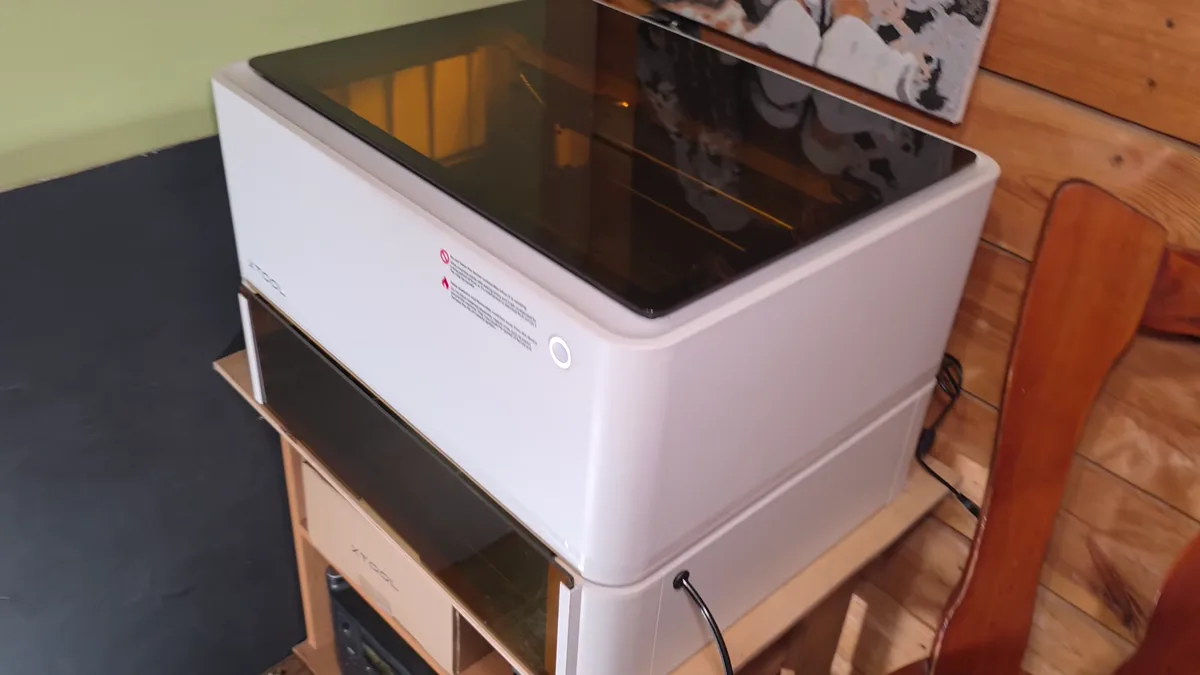
What I like about the xTool M1
- No messy wires. It connects to the app over Wi-Fi.
- Enclosed and compact. Closed on all sides and it looks beautiful in a small studio.
- No safety glasses needed. The lid protects your eyes.
- Camera. For me it is a must-have and one of the reasons I bought it. Some people say it is not super accurate. Maybe, but working with a camera is much better than without one.
- Autofocus. It measures the leather thickness for you.
- Engraving works great, on leather and on packaging.
- Blade cutting for very thin materials. I don’t use it, but it is a nice extra for gift packaging and other materials.
Accessories I bought right away
Riser Base Kit. It is not included in the basic package. The riser adds space inside the machine, which improves ventilation: smoke is removed better and less soot settles on the leather.
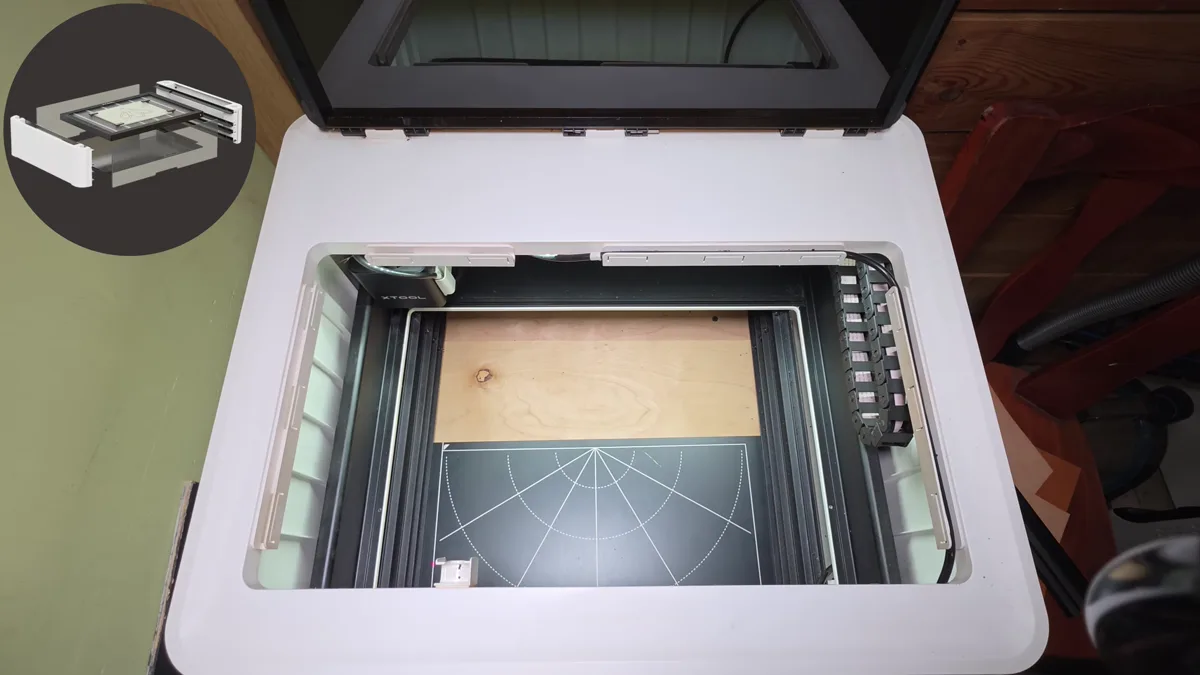
Air assist (compressor). It reduces burns on the leather. It looks like the compressor was overlooked when this model was designed; the company solved this later. There is still no automatic compressor start.
Smoke and smell: plan this before you buy
My laser stands in a room next to my workshop. I made a hole in the wall and put a pipe through it to send the smoke outside. The smell is much weaker than with an open engraver, but you will not get rid of it completely. Leather smells the strongest of everything I have lasered: plywood and paper are much milder.
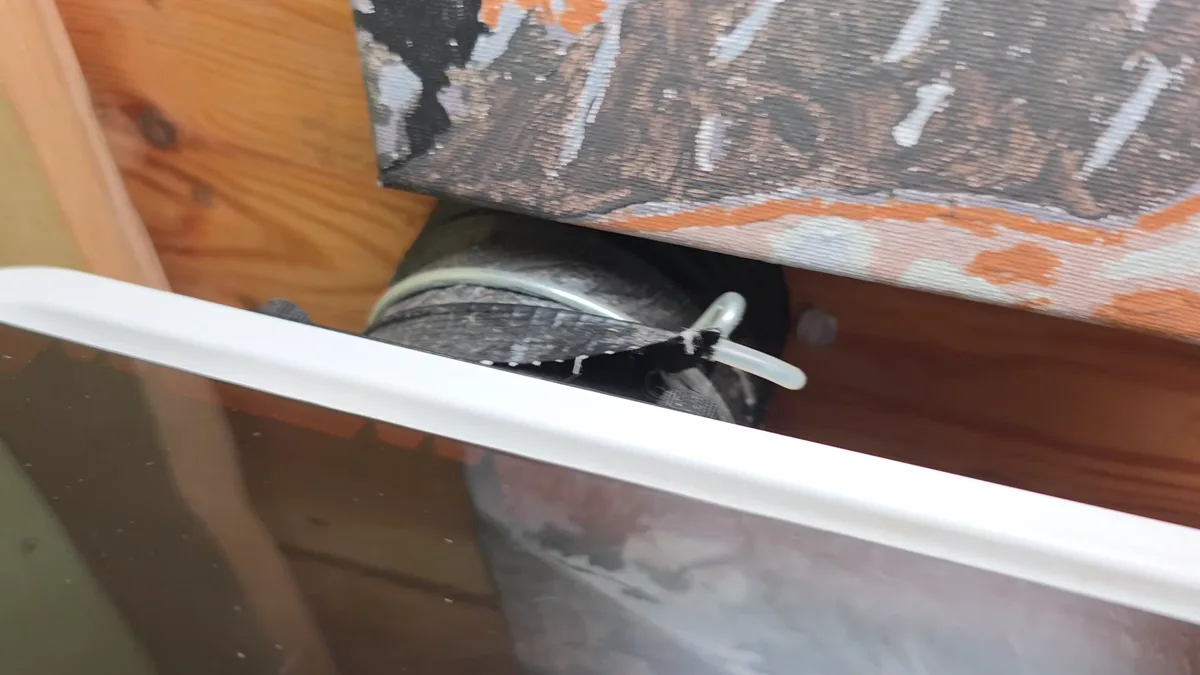
The advertising says you can vent the smoke through an open window. In my experience that is marketing: it does not work that way. My advice: before buying, make sure you have a well-ventilated place, separate from where you work, where you can make a vent opening.
The con that annoys me most: groups in the app
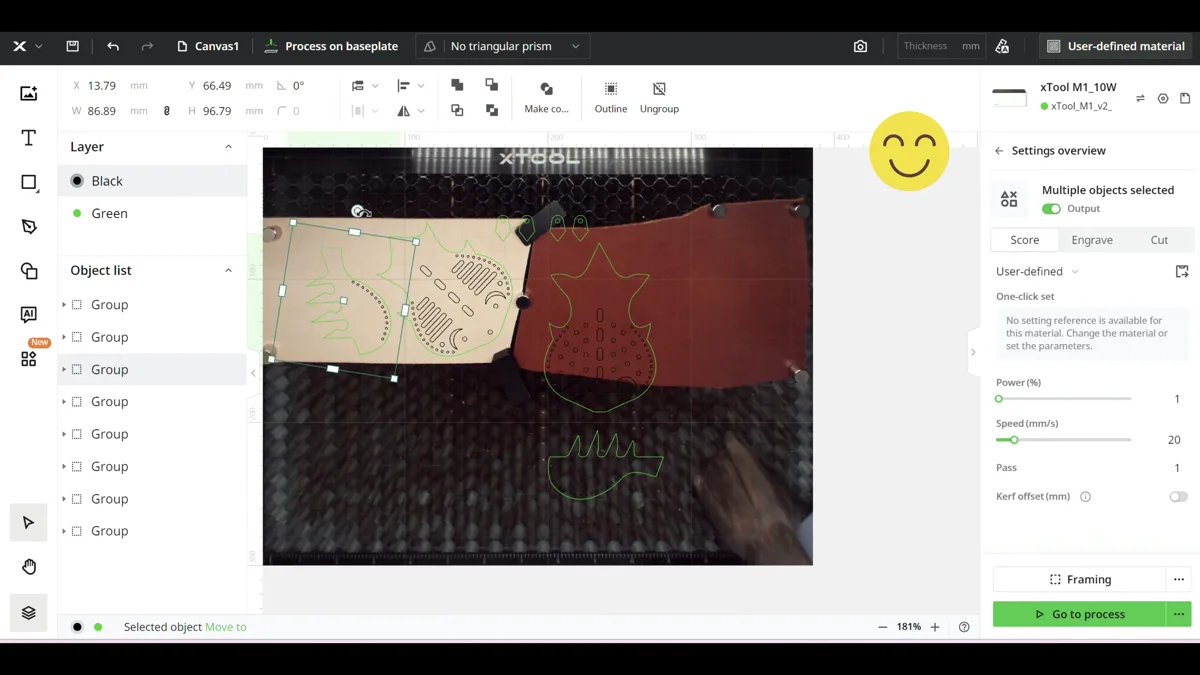
I prepare my laser files carefully: every pattern piece is grouped separately, so you can drag it around without losing any stitching holes. But the xTool Creative Space app breaks this grouping. When I upload a file, all my groups merge into one. You have to ungroup everything and then either move pieces very carefully (it is easy to lose a hole) or regroup each piece by hand, which takes a lot of time on a pattern with many pieces.
I looked for a fix and did not find one. I did not know about this before buying, and it lowered my impression. Otherwise the app is convenient and intuitive, and everything connects easily.
Test: a leather fish keychain
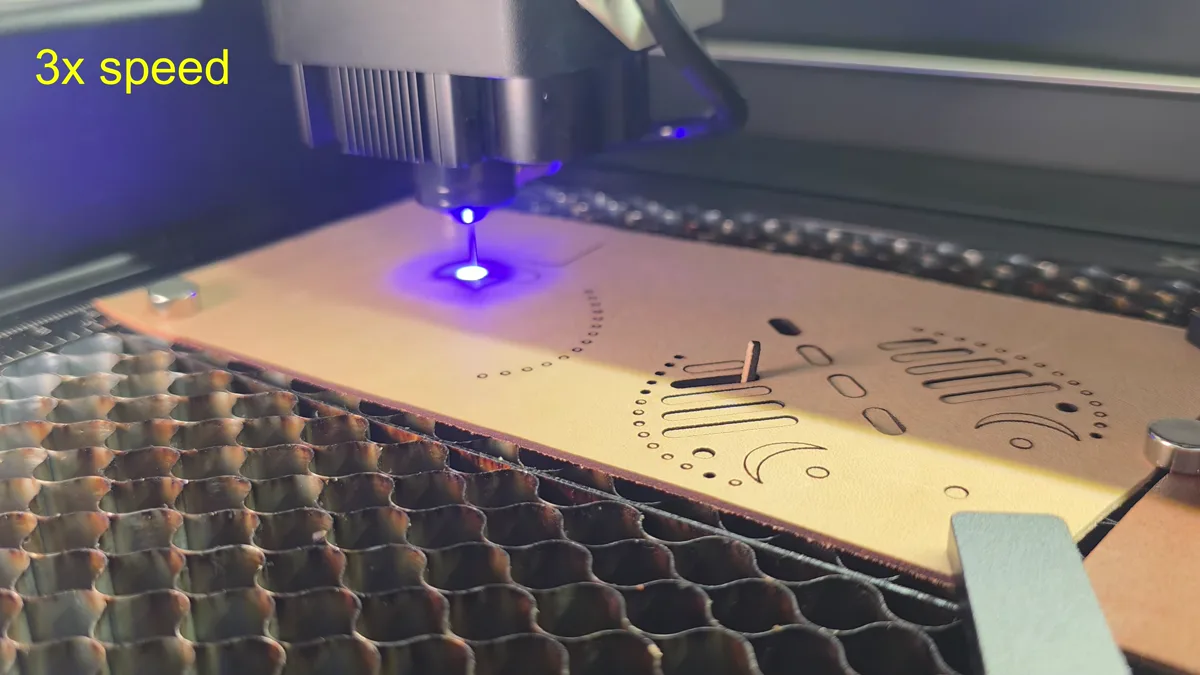
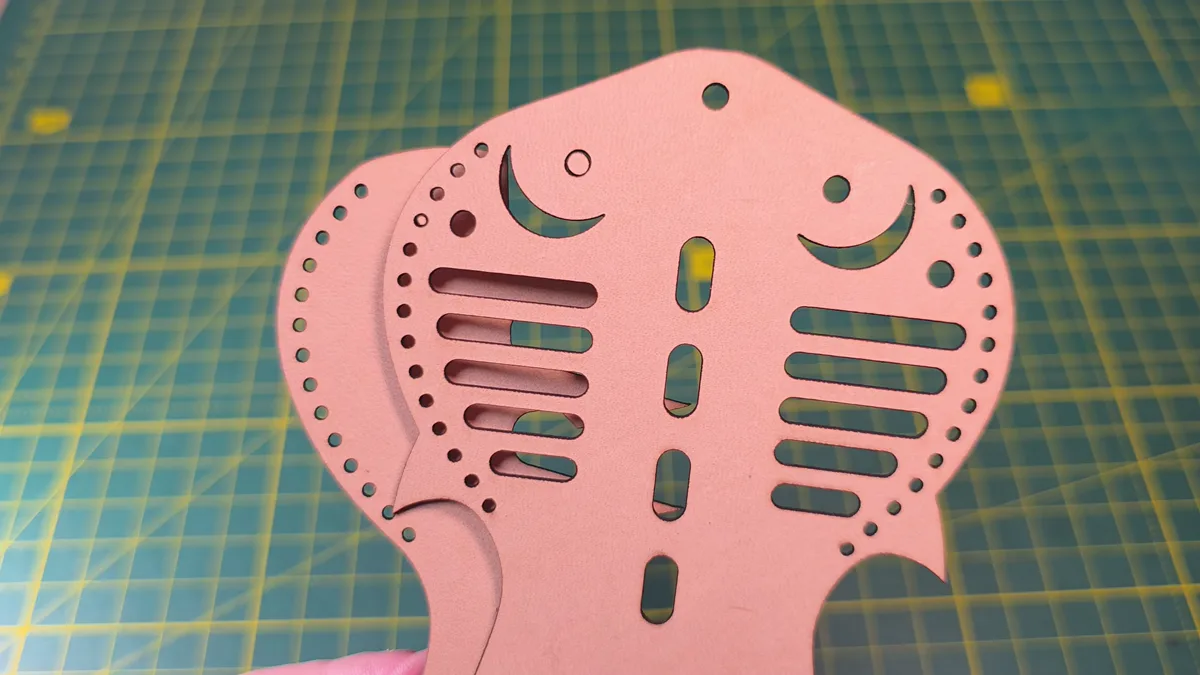
To show how the xTool works, I made my fish keychain in two ways:
- Cut along the outline, holes engraved. The laser cuts the shape and only marks the stitching holes, so I can punch them out by hand.
- Cut completely by the laser, including all holes.
The grid autofocus measures the leather thickness. The number it shows does not match the real thickness exactly, because the grid sits slightly higher than the base plate. That’s fine: auto-measuring still works better than entering the thickness by hand.
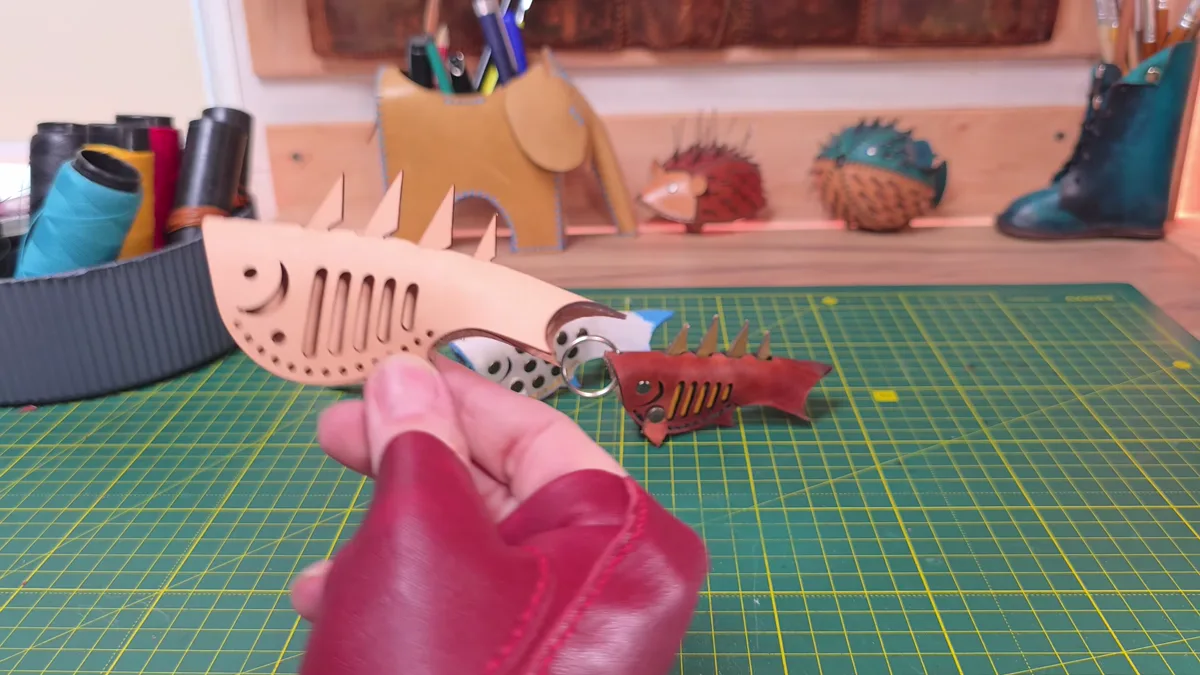
The pattern for this fish keychain is free: download the free leather fish keychain pattern.
Engraving and personalization
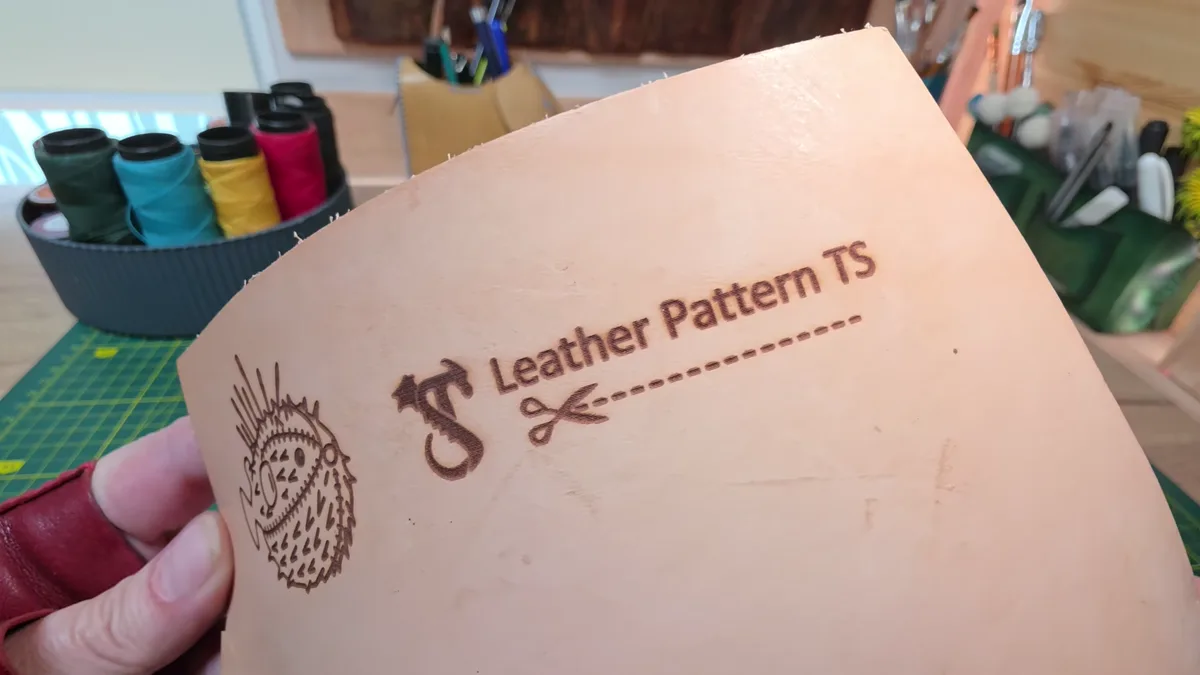
If you make leather products to sell, personalization adds value. We all know that. The xTool M1 does it perfectly, both on leather and on packaging.
Pros and cons
| Pros | Wi-Fi connection to the app Enclosed on all sides Built-in smoke extraction Lid protects your eyes, no safety glasses needed Autofocus Camera Great engraving Compact |
|---|---|
| Cons | The app breaks the grouping of pattern pieces No automatic compressor start Expensive, even on sale with accessories |
My verdict
Despite my grumbling, I like this little guy. Has the laser become an indispensable tool in my workshop? Not at all: I can do without it. Is it useful? Yes, it makes my work much easier, especially when I need several identical pieces or engraving.
If you are choosing a laser for leather, also read my open diode laser test to see the difference between open and enclosed lasers.
Laser-ready leather patterns
Most of my patterns include SVG and DXF files for laser cutting plus a printable PDF (A4 + US Letter), and every pattern has a video tutorial. Start with the free fish keychain, browse all free patterns, or see all patterns.
FAQ
Is the xTool M1 good for leather?
Yes. In 10 months it has cut and engraved leather very well. Plan good ventilation, and expect to regroup pattern pieces in the app.
Do I need the air assist (compressor) for leather?
I bought it right away because it reduces burns on leather. Note that it does not start automatically.
Can I vent the smoke through an open window?
In my experience, no. I vent it through a pipe in the wall into the outside, and even then some smell stays. Leather smells stronger than plywood or paper.
Do I need safety glasses with the xTool M1?
No. It is enclosed, and the lid protects your eyes.
Does the xTool app keep groups from my SVG file?
In my experience, no: it merges all groups into one, so you have to ungroup and regroup the pieces yourself.